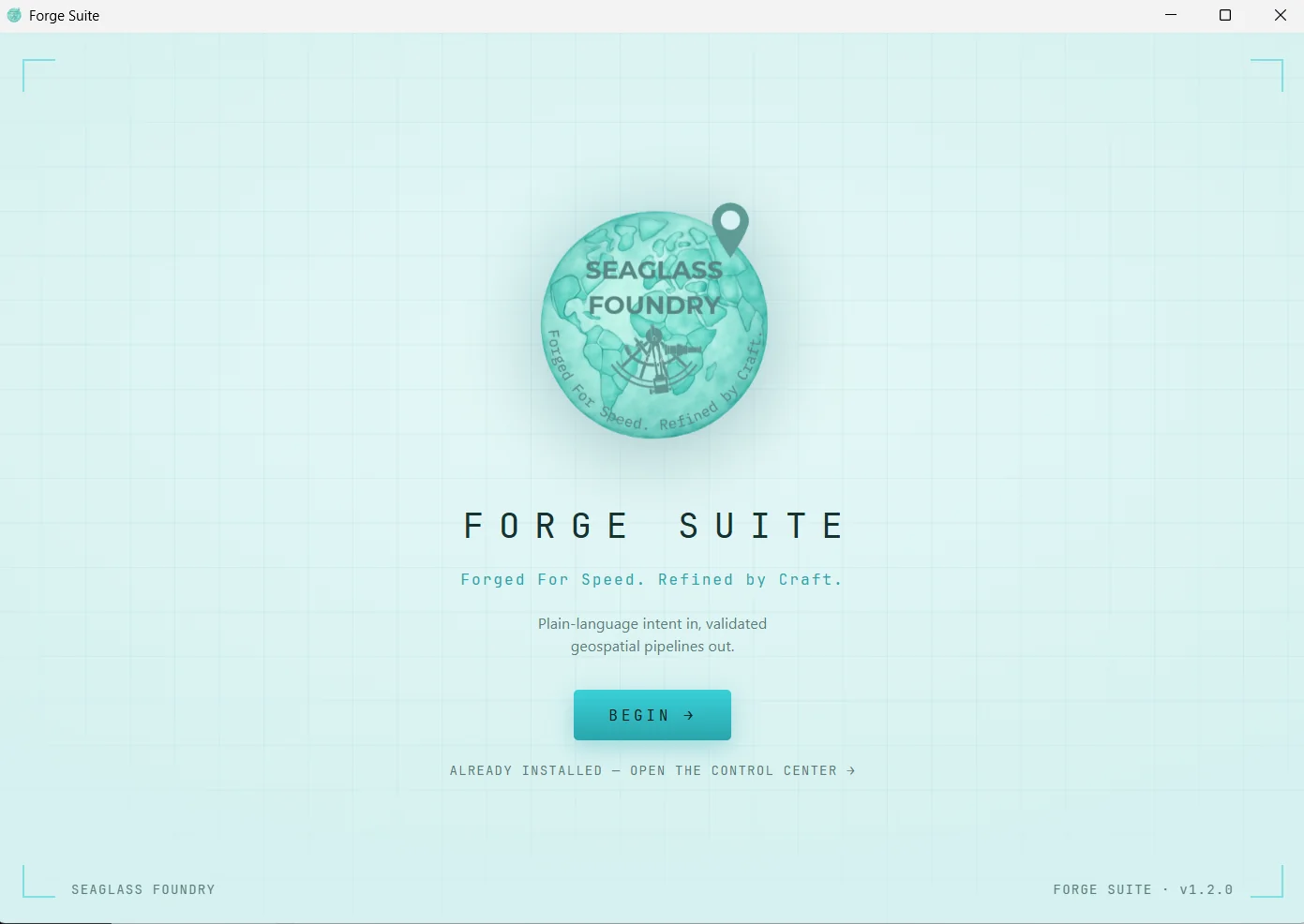
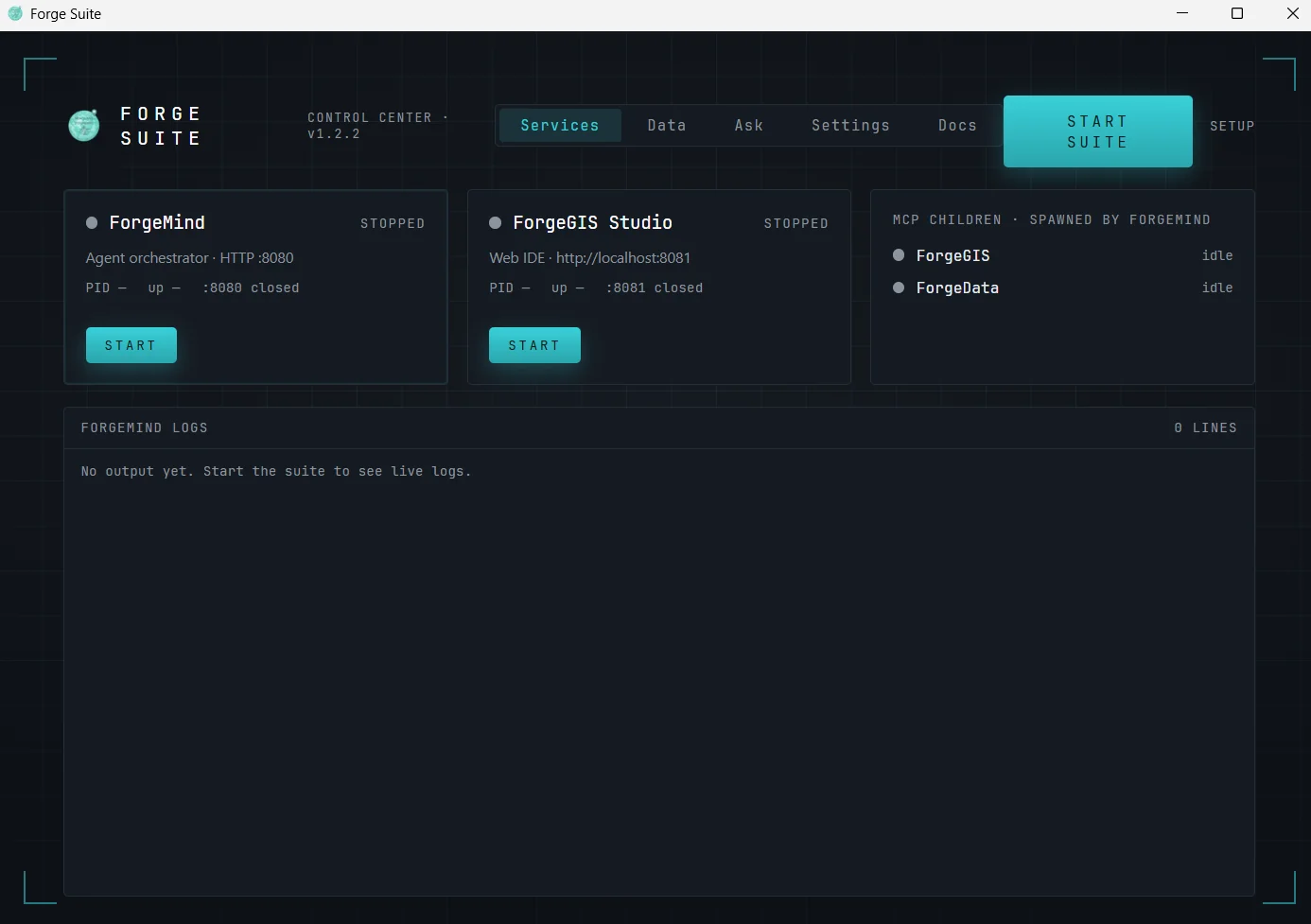
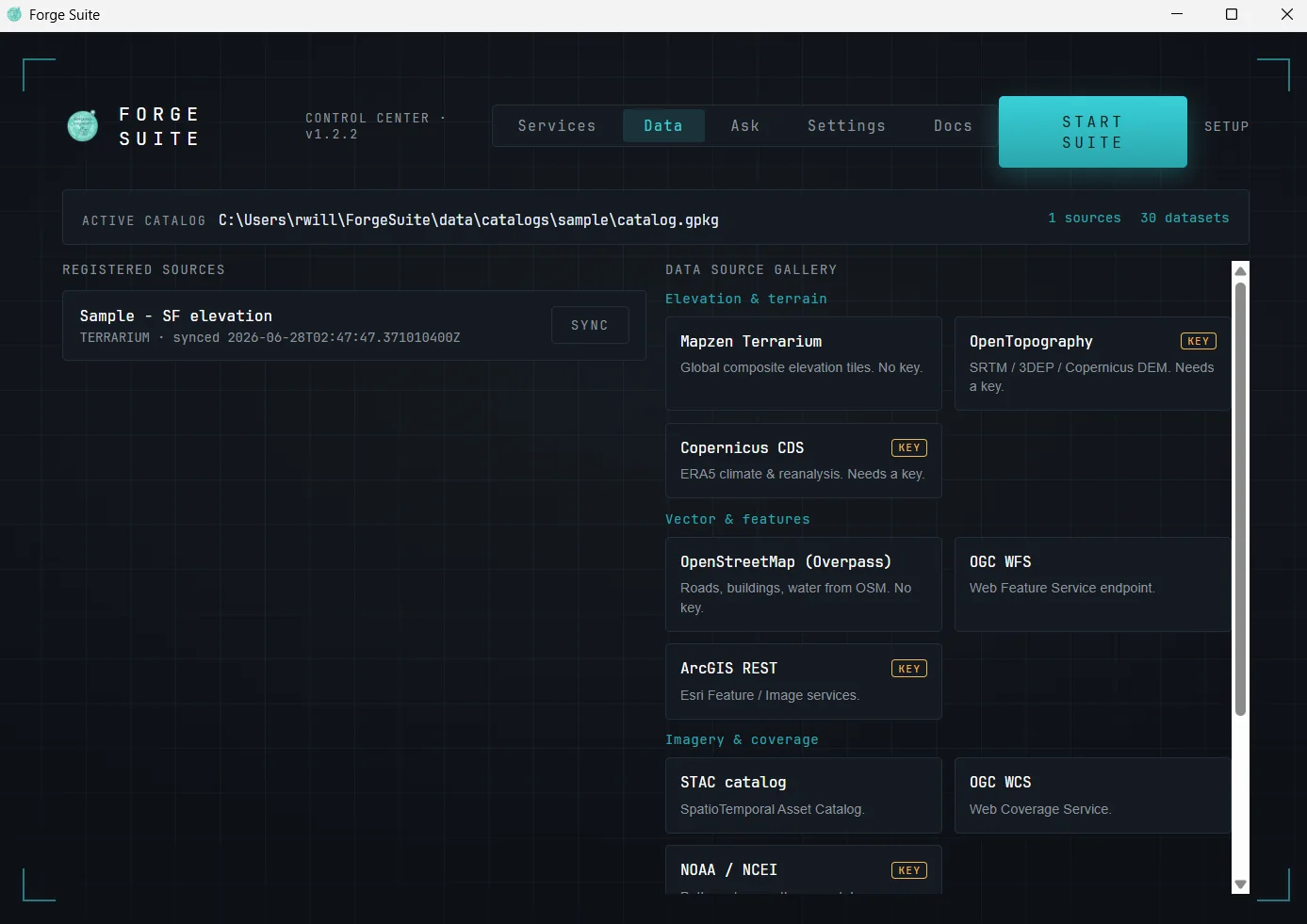
One window, two moods. The UI shifts from light “front of house” onboarding to the dark “engine room” dashboard once the suite goes live, so the mode you are in is always obvious.
One download that installs, configures, and operates the Forge suite
A single installer that is also a living dashboard. One download lays down a private Java runtime and the full Forge suite, makes API-key setup trivial, runs the services, manages data, and lets an operator chat with the agent — all from one window, with no prerequisites on the target machine.
One window, two moods. The UI shifts from light “front of house” onboarding to the dark “engine room” dashboard once the suite goes live, so the mode you are in is always obvious.
Three short answers for the technical evaluator.
The Seaglass Control Center is the Forge suite's installer and its operations console in one application. It is built for people who would rather evaluate a running system in minutes than assemble one over an afternoon.
A suite of engines is only evaluable if it can be stood up. The Control Center removes every prerequisite: no JRE to install, no dependency hunt, no config files to hand-edit. Paste one API key and you are running — including on a machine that never touches the network, thanks to a bundled offline elevation dataset.
The same window that installs the suite also runs it: service control, health, live logs, a data gallery, and agent chat. The UI shifts from a light “front of house” onboarding to a dark “engine room” dashboard once the suite goes live, so the mode you are in is always obvious.
Four steps, one window.
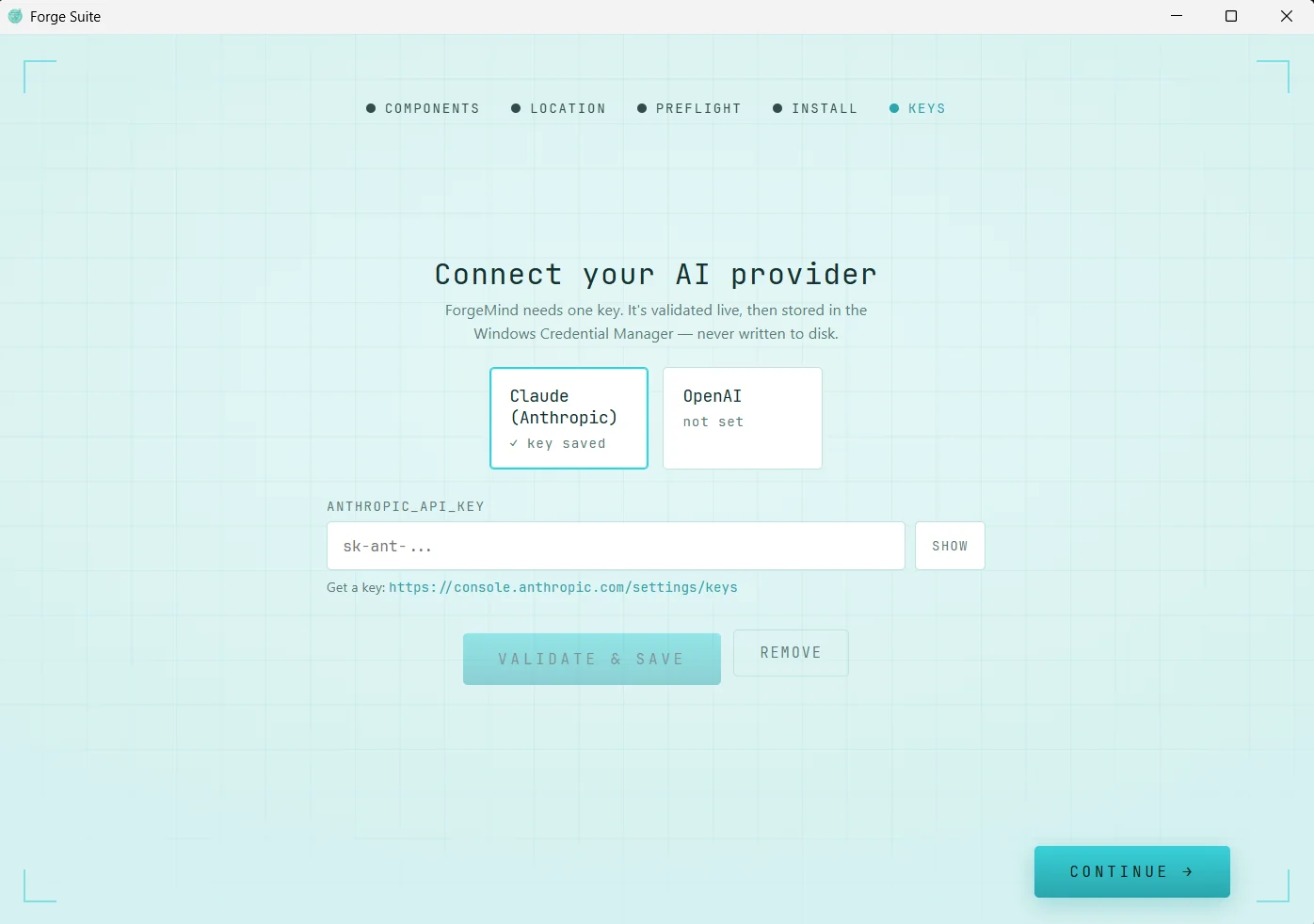
/v1/models endpoint, then stored in the Windows Credential Manager — never
written to disk — and injected into child processes at launch. The key is the connected-evaluation
path; an air-gapped site runs a self-hosted model behind the same provider abstraction.
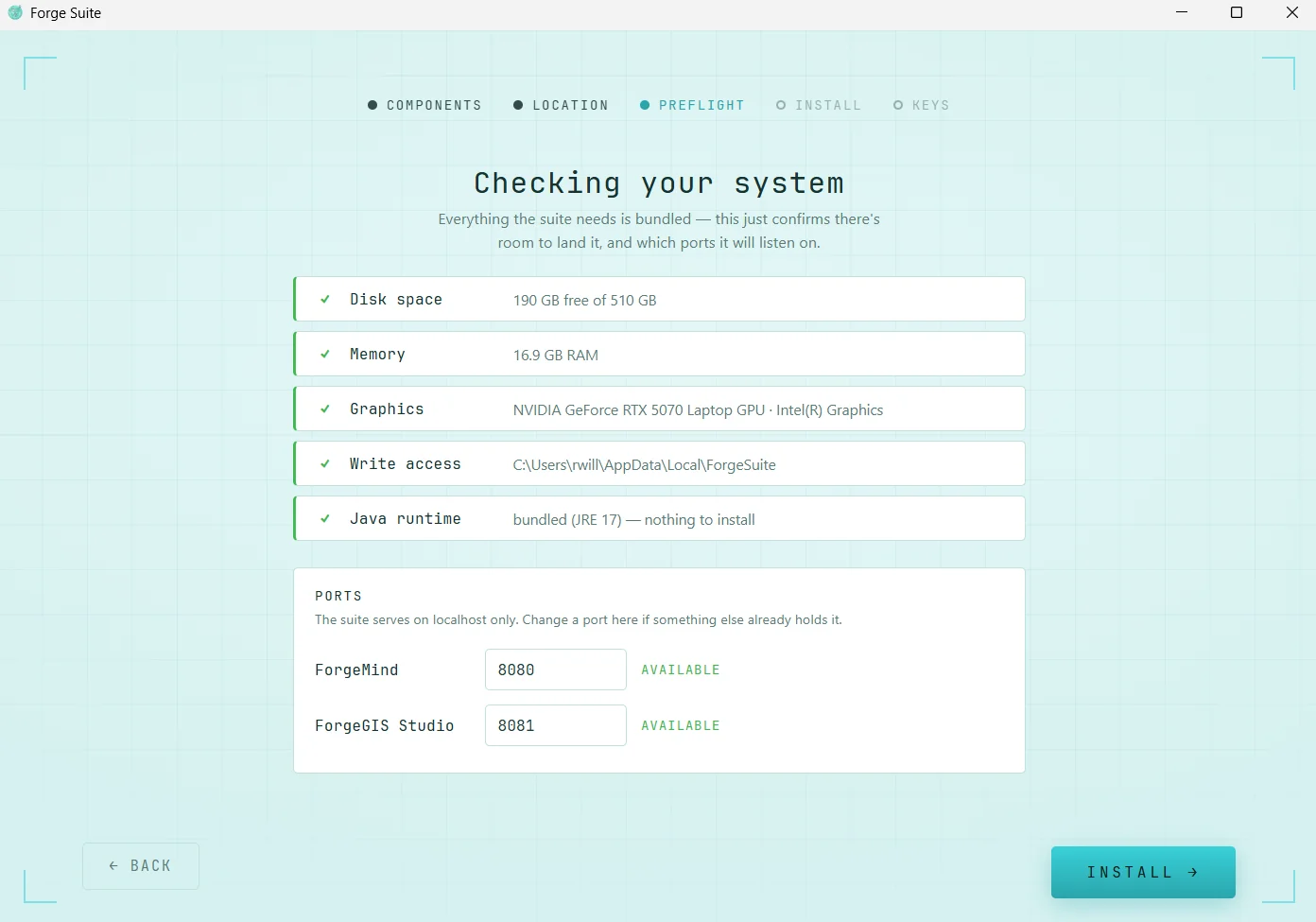
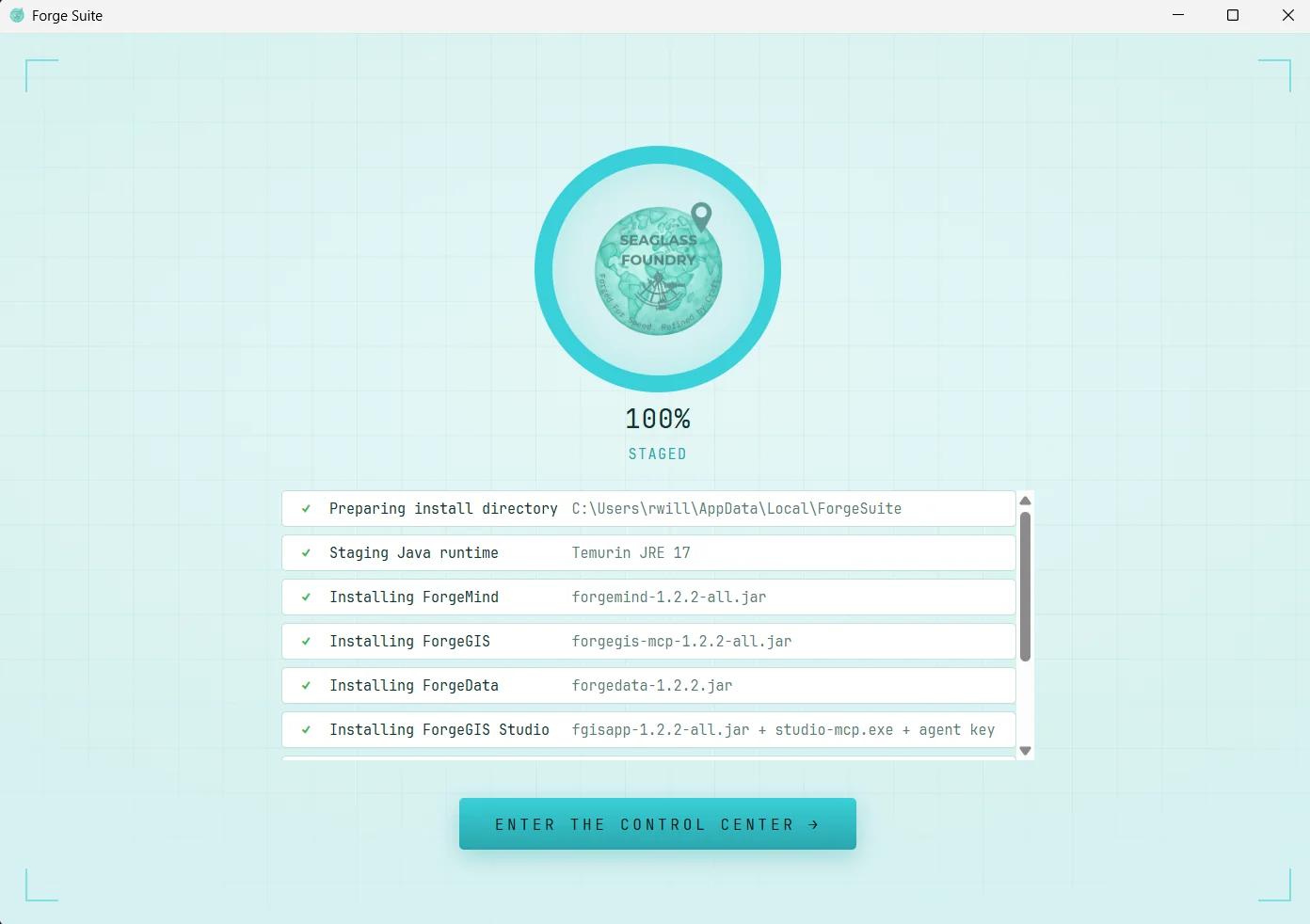
The Control Center runs ForgeMind — which spawns ForgeGIS and ForgeData as MCP children — and the opt-in Studio and Seaglass Globe™, giving each JVM a RAM-aware heap cap. Ports are configurable and persisted through every launch and health check, and a one-click data gallery fronts 13 ingesters (OpenTopography, Copernicus, STAC, PostGIS, and more).
| Component | Role | Port |
|---|---|---|
| ForgeMind | Agent orchestrator (HTTP + MCP host); spawns the others | 8080 loopback |
| ForgeGIS | GPU geospatial compute engine (MCP stdio child) | stdio |
| ForgeData | Dataset catalog + ingesters (MCP stdio child) | stdio |
| ForgeGIS Studio (opt-in) | Web workspace for building and running pipelines | 8081 loopback |
| Seaglass Globe (opt-in) | 3D view and the agent's presentation surface (native binary pair; needs a real GPU) | 7900 loopback + bearer |
Local-only by construction, with the groundwork for scaling named up front.
ForgeMind's HTTP API binds 127.0.0.1 and requires a per-install bearer token; the
agent API is never exposed to the LAN.
LLM keys, data-source keys, and the bearer token all live in the Windows Credential Manager; the webview runs under a strict CSP.
A future multi-user tier — Studio behind a reverse proxy with TLS, auth, and tenancy — is a distinct shape. Env-driven ports and token auth are its groundwork, named honestly rather than shipped as a promise.
Run the whole suite on one evaluation host, disconnected if required, exercising install, configure, and operate through a single window.
Direct download — no email gate, no form wall.
One download, one window, first result in minutes — on Windows x64, disconnected if required. We read every email.
rich@seaglassfoundry.com