ForgeGIS Studio™
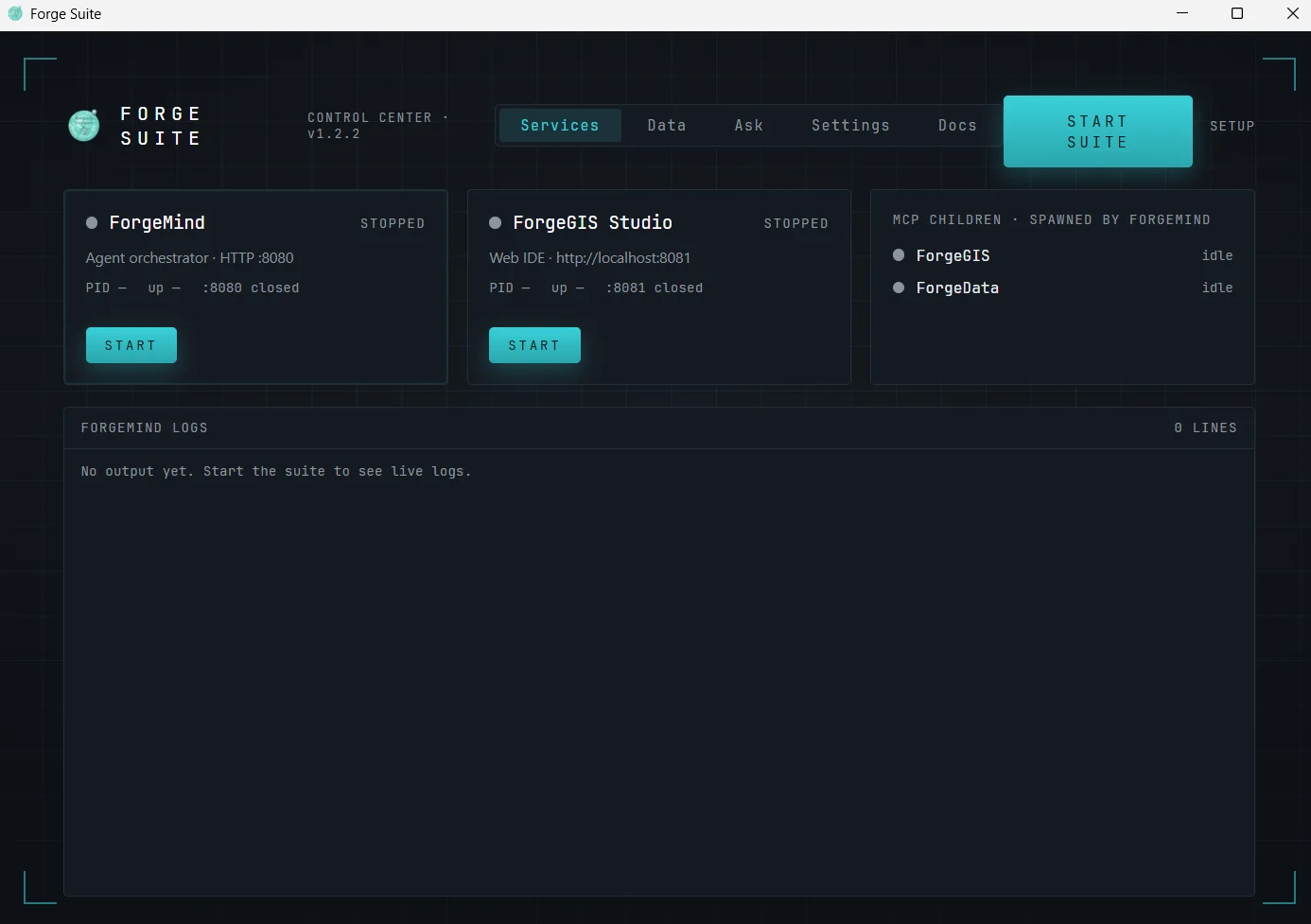
A browser workspace for the suite: a live map, a pipeline canvas where ForgeGIS operations appear as nodes, a batch runner that applies a saved pipeline to a folder, and a chat where ForgeMind can act on the map you are looking at. It is optional, and it runs on the same workstation, bound to loopback.
ForgeMind™
The agent. It turns a plain-language request into a validated pipeline on ForgeGIS, using the data ForgeData finds, and answers with a named refusal when a request cannot be answered correctly instead of a guess. It runs on Claude, OpenAI, Gemini or Grok with your own key, or on an OpenAI-compatible model server you run yourself; Ollama is the tested path.
ForgeData™
The data catalog. Name an operation and an area, and ForgeData returns ranked, costed candidates, so the agent reasons about what it wants and never about where a file lives. It reads local files, STAC catalogs, PostGIS, OGC services and public elevation sources such as USGS 3DEP and OpenTopography. Every empty reply says why, and replies are sized for a model’s context window.
ForgeRelay™
Records DIS and Cursor-on-Target exercise traffic into a GeoPackage scenario library that the Globe replays. DIS is recorded as ground truth and a Cursor-on-Target feed as one side’s picture, never as truth. Before it starts it asks what the wire cannot say, such as which force is which side, and every recording ends with a verdict: complete, refused, or stopped with holes. It is optional.
Compute broker (FRM)
A job queue and GPU workers for raster batch jobs. Ask ForgeMind to hillshade every tile in a folder and it becomes one job that GPU workers split between them, on this machine or across a fleet that shares one broker. A crashed worker is restarted and its task handed on, and a task too large for any worker’s GPU is refused from the raster’s header, before any GPU work. Studio sends its raster batches here too. It is optional.